
Openblack sky debanding
The original game’s skybox only has 5 bits per colour channel. This causes some nasty banding to show up in-game.
I wanted to fix this in Openblack as an option to toggle for players. There’s a sky pack that smooths the banding without any colours more than half a step away.
Debanding is done in two steps, one offline with the assets and one in-game via the sky renderer.
- In-game skies are made up of multiple assets, a top half and bottom half. They’re joined together in-game, and there’s no visible seam (important!).
- Four smoothing passes over the original sky assets with averaging and clamping. Each pass is clamped so colours stay within half a step from their previous pass.
- Averaging is done with the 6 nearest pixels but only if levels are similar, otherwise there are some tiny details such as stars that could break the averaging produce odd results.
- I then upscale these smoothed assets. There’s some masking done to preserve the old clouds which are baked into the skybox too.
- New blue noise dither which hides any seams that made have come about from the different sky assets joining together.
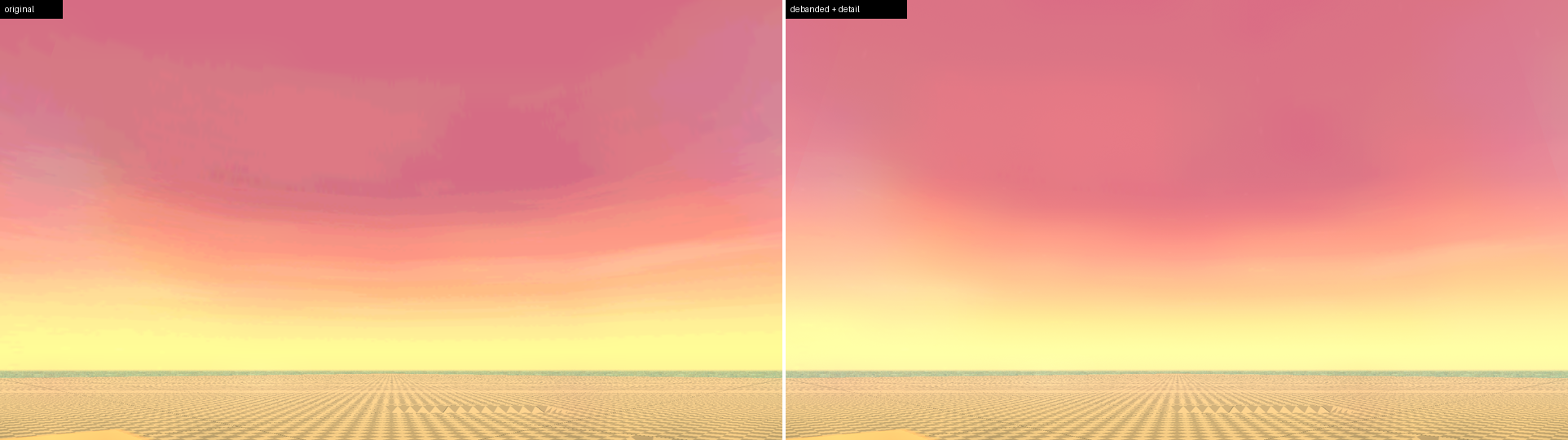
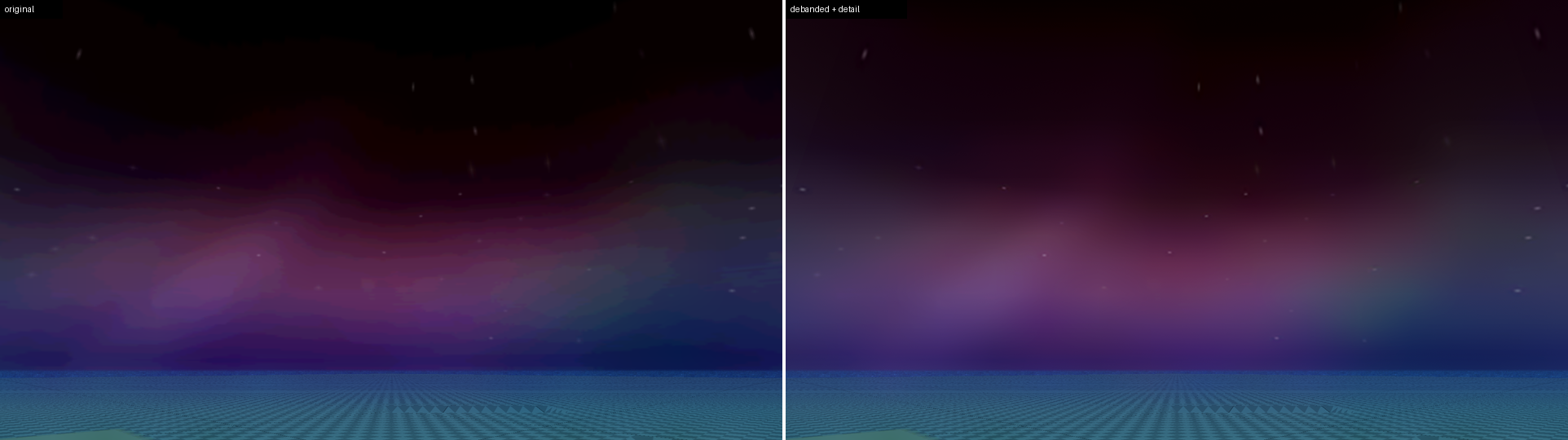
The left is the original game, and right is the debanded sky fix that’s usable by enabled via an in-game toggle.
The vanilla game’s original steps
The dusk picture enlarged 16 times.
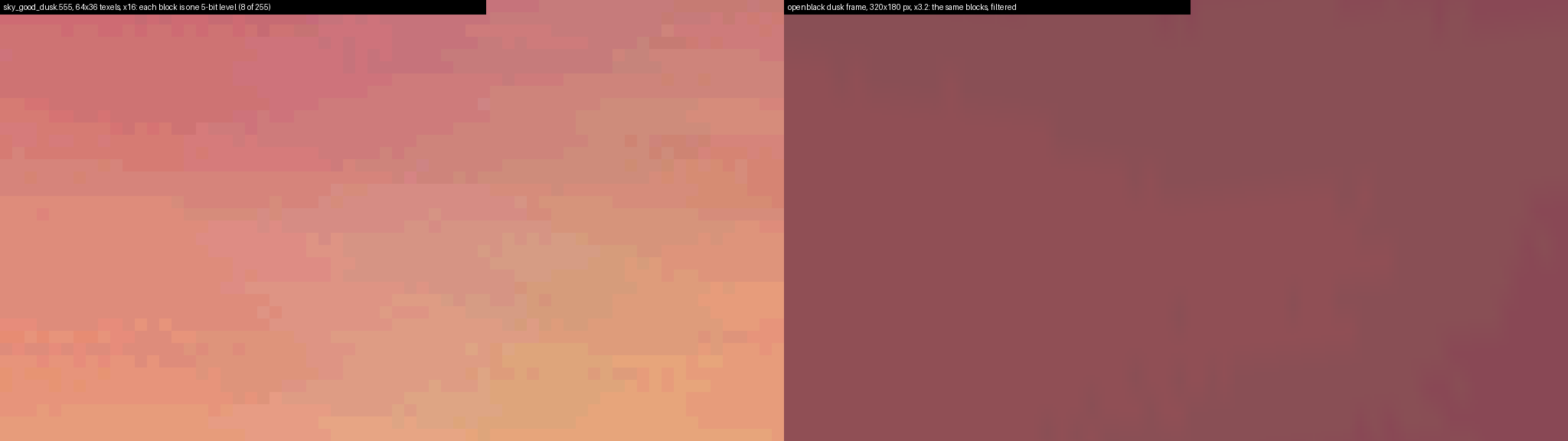
Good sky
Dusk

Night

Neutral sky
Dusk
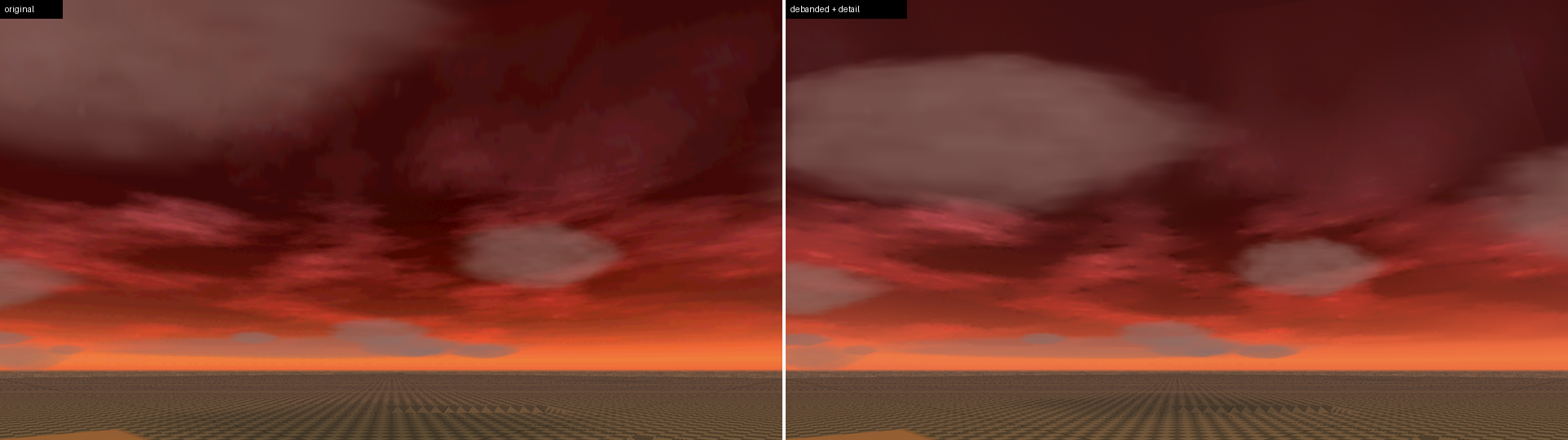

Night
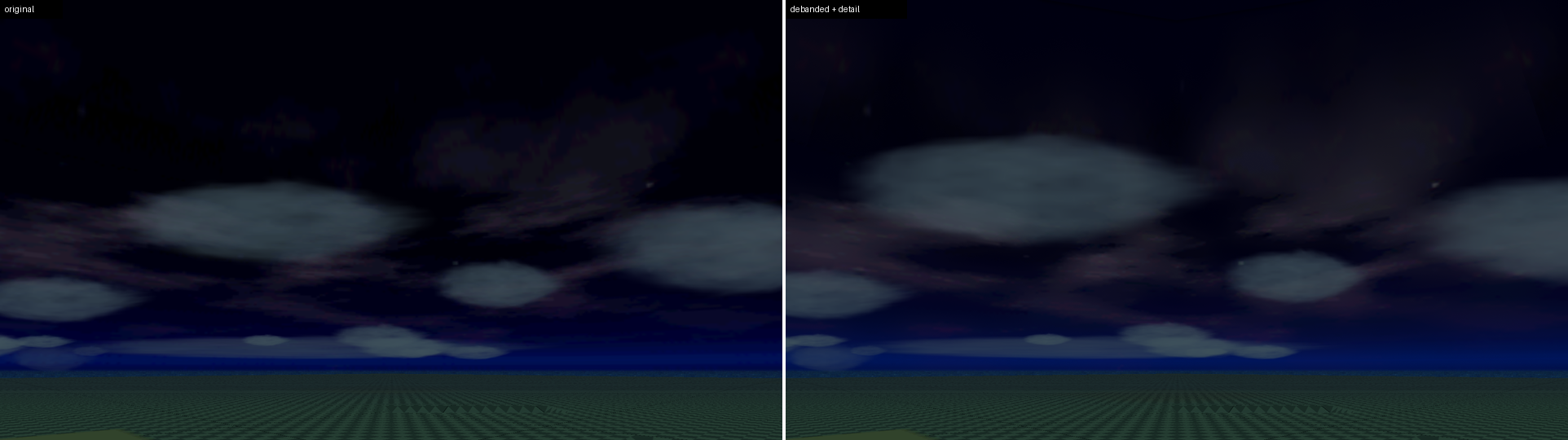

Evil sky
Dusk
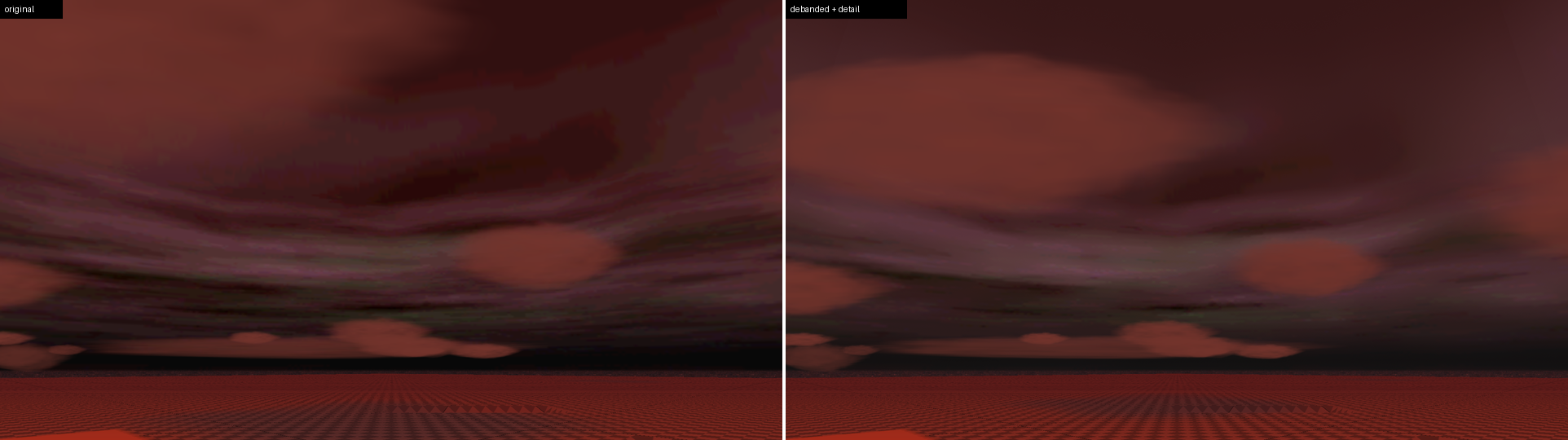

Night
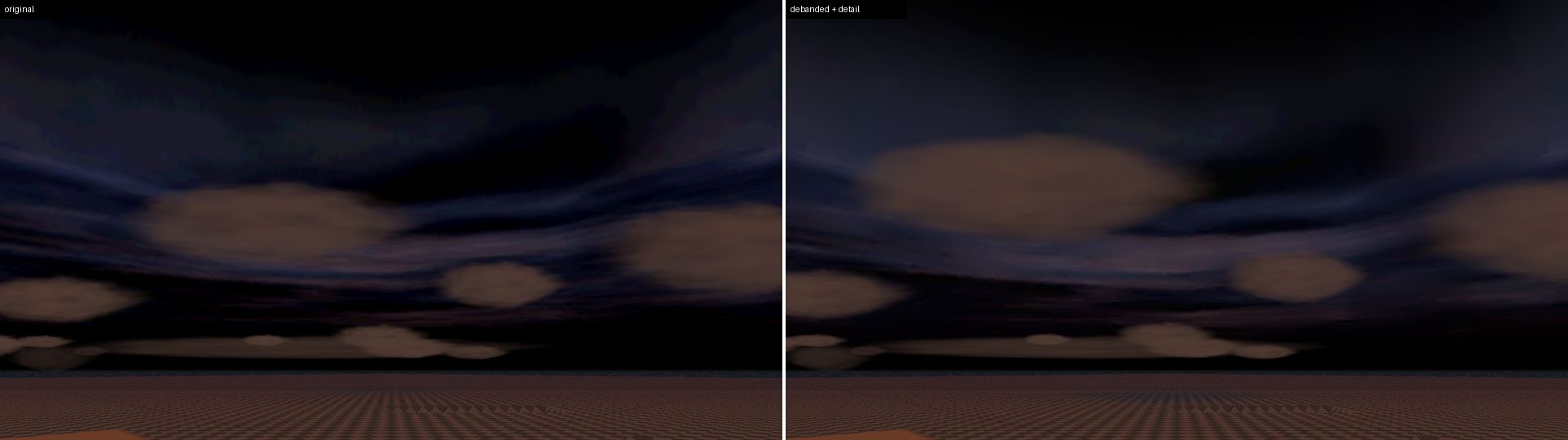
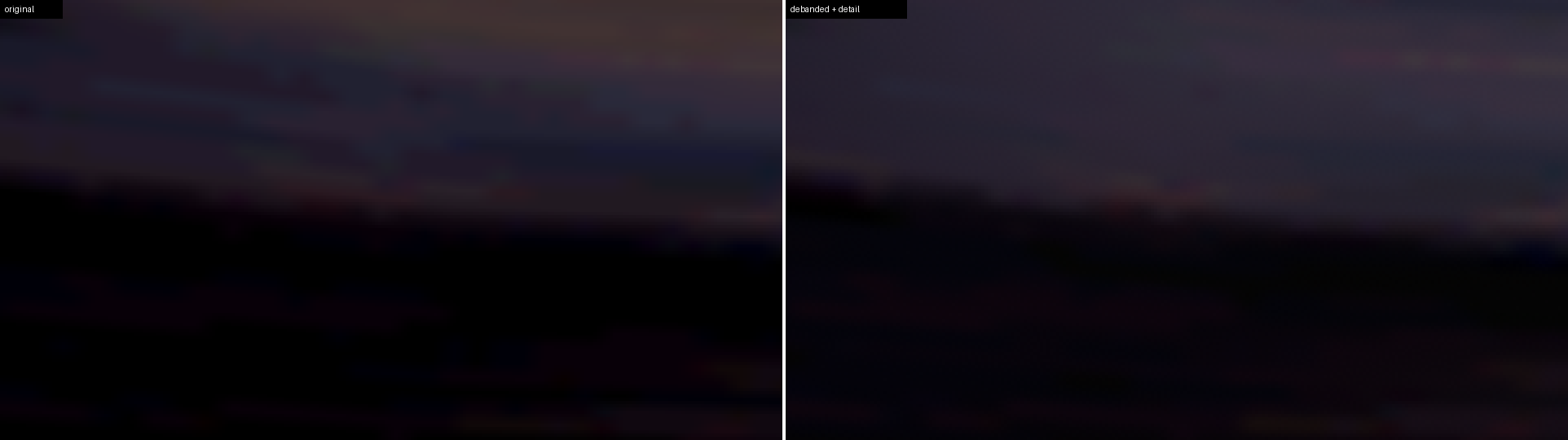
The clouds drift between captures, and I couldn’t be bothered to disable, so they are not in exactly the same place
I think it looks pretty good!